 by Guillermo Quiros
Why we should stop treating software architecture as a paragraph-only problem, and how a skill + MCP approach lets Claude, Codex, and OpenClaw create diagrams in Uxxu as part of their workflow.
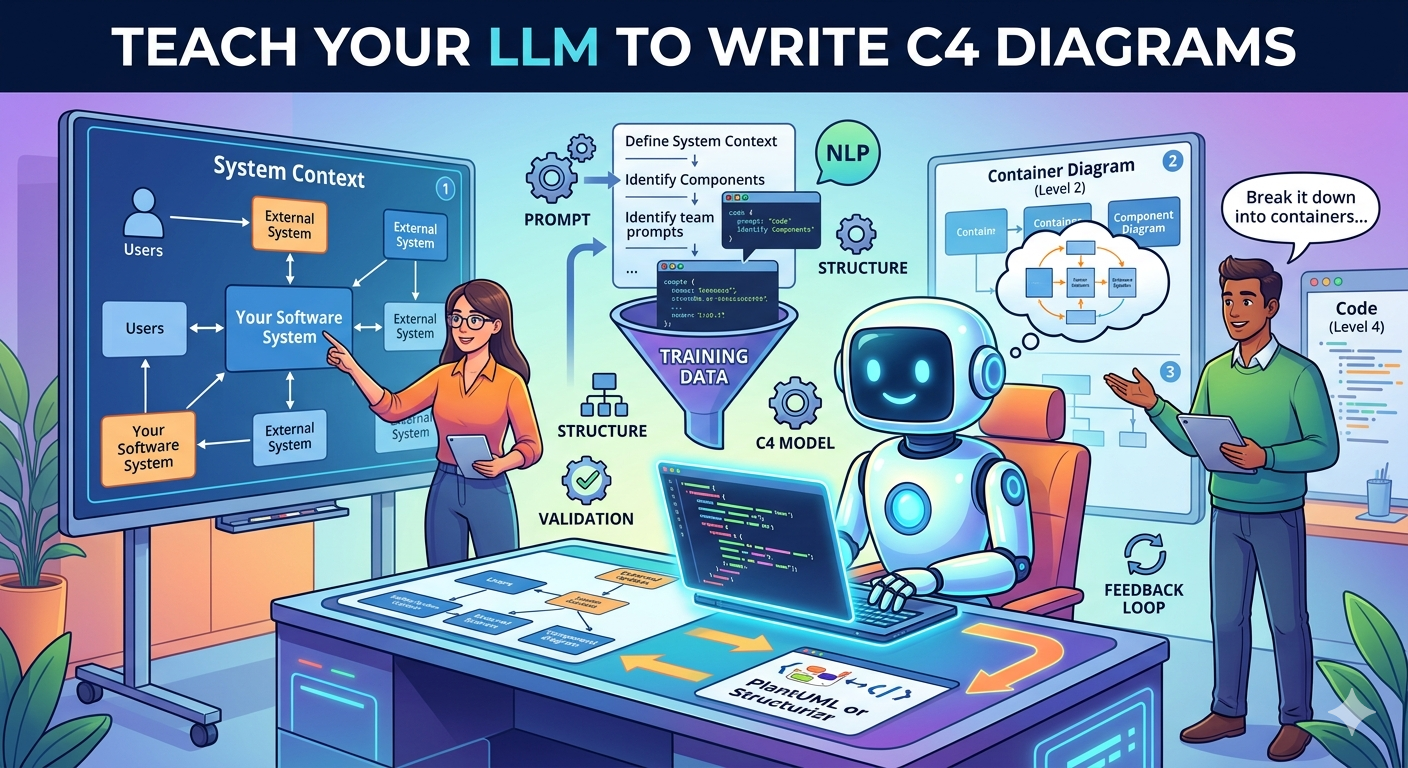
New to the model itself? Start with the C4 model hub, then come back here when you are ready to teach an LLM how to use C4 inside Uxxu.
Ready to connect? The Uxxu MCP setup guide includes configurations for Claude Code, Codex, Cursor, and VS Code, API-key setup, protocol requirements, and troubleshooting. Claude web/Desktop remote connectors are not supported by the current API-key-only setup.
The Strange Habit We All Picked Up
One thing I keep coming back to is how unnatural our interaction with LLMs still is.
We open Claude Code, Codex, Cursor, OpenClaw, or whatever AI coworker we use, and then we start typing paragraphs. We explain the architecture in prose. We describe the actors. We list the services. We explain the dependencies. We add caveats. We paste file paths. We hope the model reconstructs the system in its head well enough to be useful.
That is strange, because software teams do not normally think that way.
For more than twenty-five years, the dominant medium for architecture conversations has been the same:
- boxes
- arrows
- labels
- a shared whiteboard
Developers naturally explain systems visually. Product people do it too. Architects do it. Staff engineers do it. If you walk into a system design meeting, nobody starts by writing five paragraphs of narrative architecture prose. Somebody grabs a marker and draws the first box.
The question is simple:
If diagrams are already our native architecture language, why are we still teaching our LLMs architecture only through prose?
Why C4 Is the Right Language for LLMs
UML tried to solve software modeling as a universal language, and it was impressive. It was also too heavyweight for most everyday engineering work. Teams used it selectively, usually when they had to formalize a point, not when they wanted to think quickly and communicate clearly.
The reason the C4 model stuck is that it matches how teams already reason about systems:
- System Context to understand the boundary
- Container to understand the major building blocks
- Component to understand internal decomposition
- Code to understand the implementation of one component
Add a supplementary Deployment diagram to understand where software instances run.
That hierarchy matters for humans, and it matters even more for LLMs.
If you hand an LLM a good Context diagram, it immediately understands:
- what the system is
- who uses it
- what is external
- what the important dependencies are
If you hand it a Container diagram, it understands:
- which applications and services exist
- which databases, brokers, and caches matter
- where the synchronous and asynchronous boundaries are
If you hand it a Component diagram, it understands the internal shape of a service without needing you to narrate every module and responsibility from scratch.
That is the key shift:
You are not describing the architecture to the model.
You are showing it the architecture at the correct level of abstraction.
The Real Problem: Models Need More Than a Diagram Viewer
To make this practical, the model needs two different things.
It needs help thinking about architecture, and it needs help acting on architecture.
These are not the same problem.
1. The Skill Teaches the Model How to Think
A skill is where we teach the model the rules of the game:
- how to identify the target C4 level
- how to distinguish actors, systems, applications, and stores
- how to choose the right scope for a Context vs Container vs Component diagram
- how to write high-signal relationships instead of noisy arrows
- how to reuse existing project context before creating new diagrams
In our case, that logic lives in the Uxxu skill:
skills/uxxu-mcp-diagrams/SKILL.md
The skill teaches a workflow like this:
- list or identify the target project
- read the project context
- optionally read the current diagram or object model
- create the new C4 diagram
It also teaches the modeling rules:
- use
ACTORfor people - use
SYSTEMfor software systems in Context diagrams - use
APPLICATIONfor apps, APIs, gateways, workers, and services in Container diagrams - use
STOREfor databases, caches, and search indexes - add short relationship notes like
Calls API,Reads and writes, orPublishes events
This matters because an MCP server alone cannot teach architectural judgment. It can expose tools, but it cannot by itself explain why a passenger should connect to the mobile application rather than directly to the orders database.
2. The MCP Lets the Model Act
The MCP is the execution layer.
In our case, that is:
- the hosted Uxxu MCP at
app.uxxu.io/api/mcp
The MCP gives the model tools to:
- list projects
- read project context
- read existing diagrams
- create C4 diagrams
- layout the diagram automatically
- choose connectors automatically
- match technologies against the Uxxu technology catalog
The main tool is:
uxxu_create_c4_diagram
That means the architecture flow becomes two-way:
- Human to model: show the system through C4 context
- Model to Uxxu: create or update diagrams through the MCP
This is much better than a model merely describing changes in text.
Instead of saying:
I added a notification service that subscribes to order events
the model can create the actual diagram that shows:
- the notification service
- the message broker
- the event relationship
- the new technology choices
That is a fundamentally better feedback loop.
The Core Pattern: Skill for Reasoning, MCP for Execution
This is the structure I recommend:
The skill should teach:
- when to use each C4 level
- how to classify elements
- how to interpret architecture prose
- how to name elements and relationships consistently
- how to avoid diagram noise
- how to inspect context before making changes
The MCP should handle:
- reading project and diagram context
- creating diagrams in Uxxu
- auto-layout
- connector selection
- technology matching
- returning a
viewerUrlso the result can be opened immediately
This separation is important because it makes the whole setup more robust.
If you change the model, the MCP still works.
If you change the client, the MCP still works.
If you improve the skill, every supported client gets better architecture behavior.
Why Uxxu Is a Good Demo for This
Uxxu is a good demonstration of this approach because it is not just a passive diagram canvas.
It supports both directions:
- Export structured architecture context for an LLM
- Accept diagram creation and updates back through MCP
That means the diagram stops being a dead artifact.
It becomes a language between the human and the model.
In practice, the flow looks like this:
- Create or select a project in Uxxu
- Export project or diagram context as an LLM prompt when you want the model to understand the current architecture
- Give the model a change request or a greenfield specification
- Let the model call the Uxxu MCP
- Review the created diagram in Uxxu
That is the important shift:
The model is no longer guessing architecture from scattered prose.
It is working with a structured architecture model and writing back into the same system.
What the Recommended Tool Sequence Looks Like
When the model is creating a new diagram from a natural-language description, the best tool sequence is:
uxxu_list_projectsuxxu_get_project_context- optionally
uxxu_get_diagram uxxu_create_c4_diagram
That sequence does two useful things:
- it prevents the model from drawing into the wrong project
- it gives the model enough context to reuse existing systems, containers, and relationships when appropriate
This is exactly the kind of behavior that makes an LLM feel less like a guessing engine and more like a competent teammate.
A Simple Skill Prompting Pattern
The easiest way to think about the skill is that it teaches the model a repeatable architecture checklist.
For example:
When asked to create a C4 diagram:

1. Identify whether the user wants a System Context, Container, or Component view.
2. Extract actors, systems, applications, stores, and major relationships.
3. Read existing Uxxu project context before creating anything.
4. Prefer a small number of high-signal relationships.
5. Use technology labels whenever the prompt provides them.
6. Create the diagram through uxxu_create_c4_diagram.
7. Return the viewer URL and state any major assumptions.
That sounds simple, but it is exactly the sort of behavioral scaffolding that turns a raw model into a reliable architecture collaborator.
Connecting to the Hosted Uxxu MCP
Uxxu uses a hosted MCP endpoint. Customers do not install an npm package or launch a local MCP process.
Configure an HTTP-capable MCP client with:
URL: https://app.uxxu.io/api/mcp/YOUR_ORGANIZATION_ID
Authorization: ApiKey YOUR_API_KEY
Replace the organisation ID and store the key in the client's secret settings. Never paste API keys into a model prompt or commit them to a repository. Use a separate, expiring key for each client, with VIEW and only the write permissions needed for the task.
The client must support Streamable HTTP and custom headers. Uxxu accepts the 2025 HTTP handshake and MCP 2026-07-28 on the same endpoint. Set its tool timeout to at least 30 seconds. Use the client-specific setup guide; OAuth-only clients are not supported by this API-key release.
Give the Model the Modeling Guide
The hosted service exposes the guide as an MCP resource:
uxxu://guides/c4-modeling
A native uxxu-mcp-diagrams skill can also be installed separately. Skills are instructions for the AI client; they do not require a local MCP server.
Ask the model to inspect project context before editing and to return the resulting viewer URL. Branch checkout is shared with your other clients, so avoid switching branches in the app during a modeling workflow.
What a Good Prompt Looks Like
Here is a simple example:
Use the uxxu MCP.
Inspect my project context first.
Then create a C4 container diagram for an e-commerce platform with:
- a web application
- iOS and Android mobile apps
- an API gateway
- order, payment, customer, and product services
- PostgreSQL databases
- Kafka
- Stripe
- Auth0
- SendGrid

Return the viewer URL and tell me any assumptions you made.
Notice what this prompt does not need to say:
- how to classify actors
- how to classify stores
- how to choose diagram scope
- how to arrange the layout
- how to choose connectors
That knowledge belongs in the skill and MCP, not in every prompt.
A Real Uxxu Example
Here is a real diagram created through the Uxxu MCP from architecture prose rather than hand-drawn manually:
That is the point of the whole system.
The model receives:
- architecture intent
- project context
- modeling rules
and Uxxu handles:
- diagram creation
- layout
- technology matching
- rendering
The Bigger Idea
The whiteboard never went away because diagrams are not decoration. They are how software people think.
IDEs did not replace diagrams.
Issue trackers did not replace diagrams.
Wiki pages did not replace diagrams.
So it should not surprise us that LLM workflows still feel incomplete when they are diagram-blind.
If the clearest way to explain architecture to a new engineer is a good C4 diagram, then the clearest way to explain architecture to an AI coworker is probably the same.
And if the AI coworker is going to participate meaningfully in design, then it should not only read diagrams. It should also be able to write them back.
That is why I think the right architecture for AI-assisted software design is:
- C4 as the modeling language
- skills as the reasoning layer
- MCP as the execution layer
- Uxxu as the place where the architecture stays visible, editable, and shared
The Practical Payoff
Once this is working well, the benefits are immediate:
- better prompts because the model starts from structured architecture context
- better change planning because the model reasons at the right abstraction level
- better review because the model can show the proposed architecture, not only describe it
- better onboarding because new engineers and LLMs consume the same architecture language
That is the direction I believe software teams should move toward.
Not more prose.
Not larger prompts.
Better shared structure.
And for architecture work, that structure is the diagram.
Frequently Asked Questions
Does the MCP replace the skill?
No. The MCP gives the model tools. The skill teaches the model how to use those tools well. You want both.
Why not just ask the LLM in plain English every time?
Because plain-English prompts force you to restate architecture context repeatedly. A diagram-backed workflow gives the model a much more stable, structured mental model of the system.
Why use C4 instead of UML for this?
C4 is easier to teach, easier to read, and much better suited to everyday software architecture communication. That makes it a better language for AI coworkers too.
Why use Uxxu as the demo?
Because Uxxu supports both sides of the loop: exporting architecture context for the model and accepting diagram creation back through the MCP. That makes it a practical environment for human-model architectural collaboration rather than just a static drawing tool.