





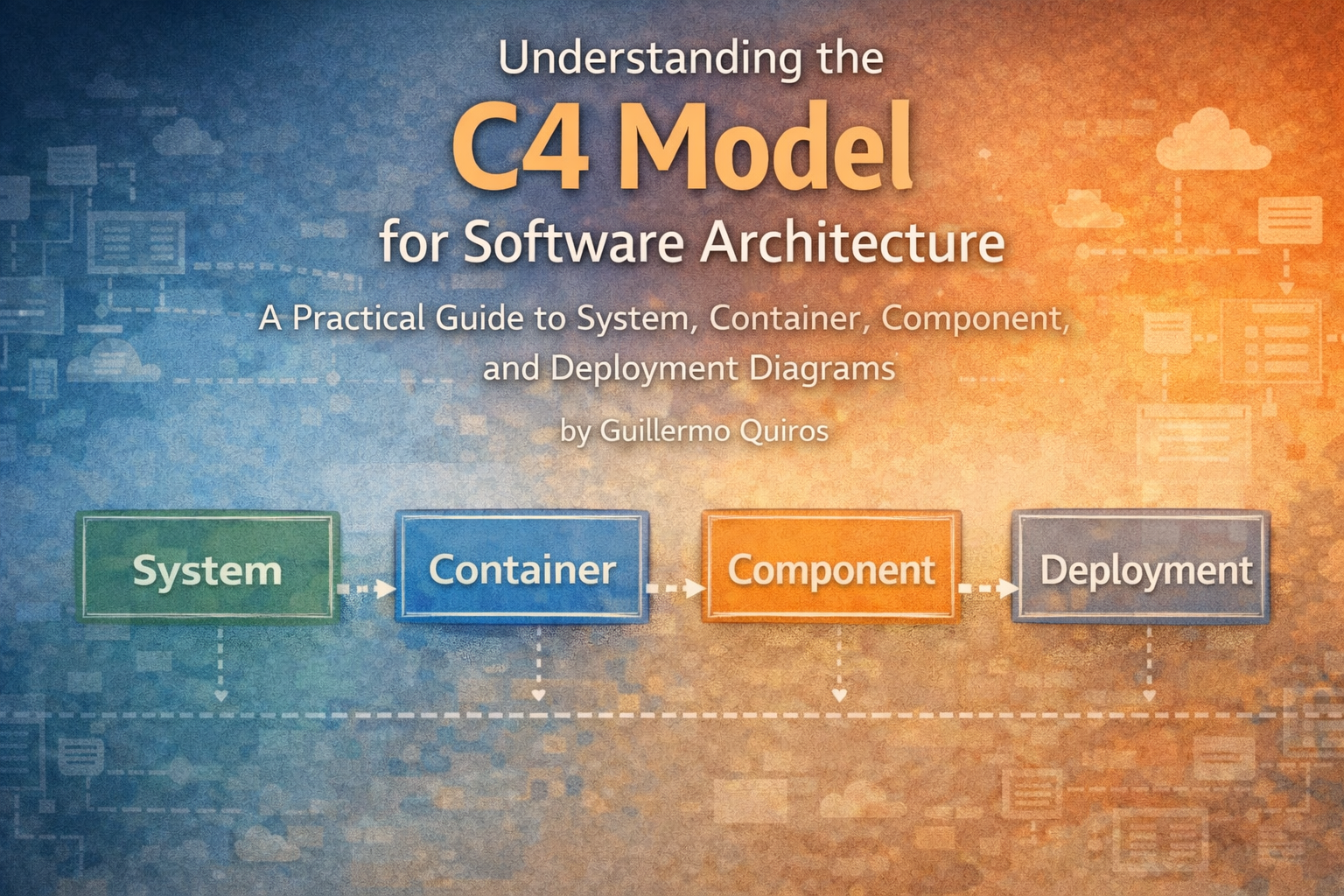
C4 foundations
The definitive guide to the C4 model
Understand the C4 levels, their audiences, and how to move from system context to implementation detail.
Read articleCreate context, container, and component views from the same reusable elements. Update the model once, navigate from the big picture to detail, and give your team architecture they can trust.
View local Structurizr DSL projects for free, without an account. Or sign in to the desktop app and work with your cloud projects.
Cloud free plan: 1 user, up to 400 architecture items. Local editing requires an active licence.
See how UXXU Desktop works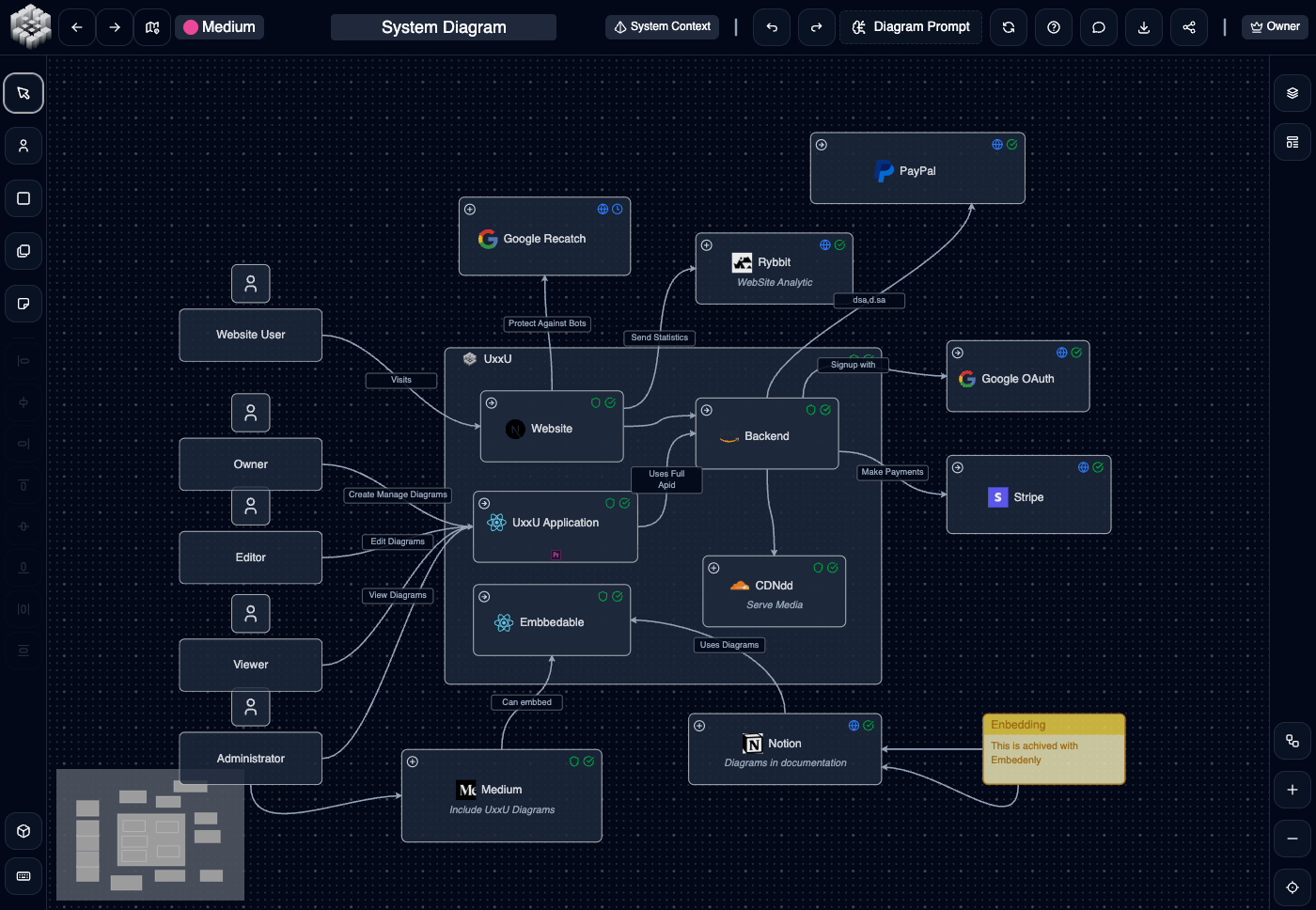
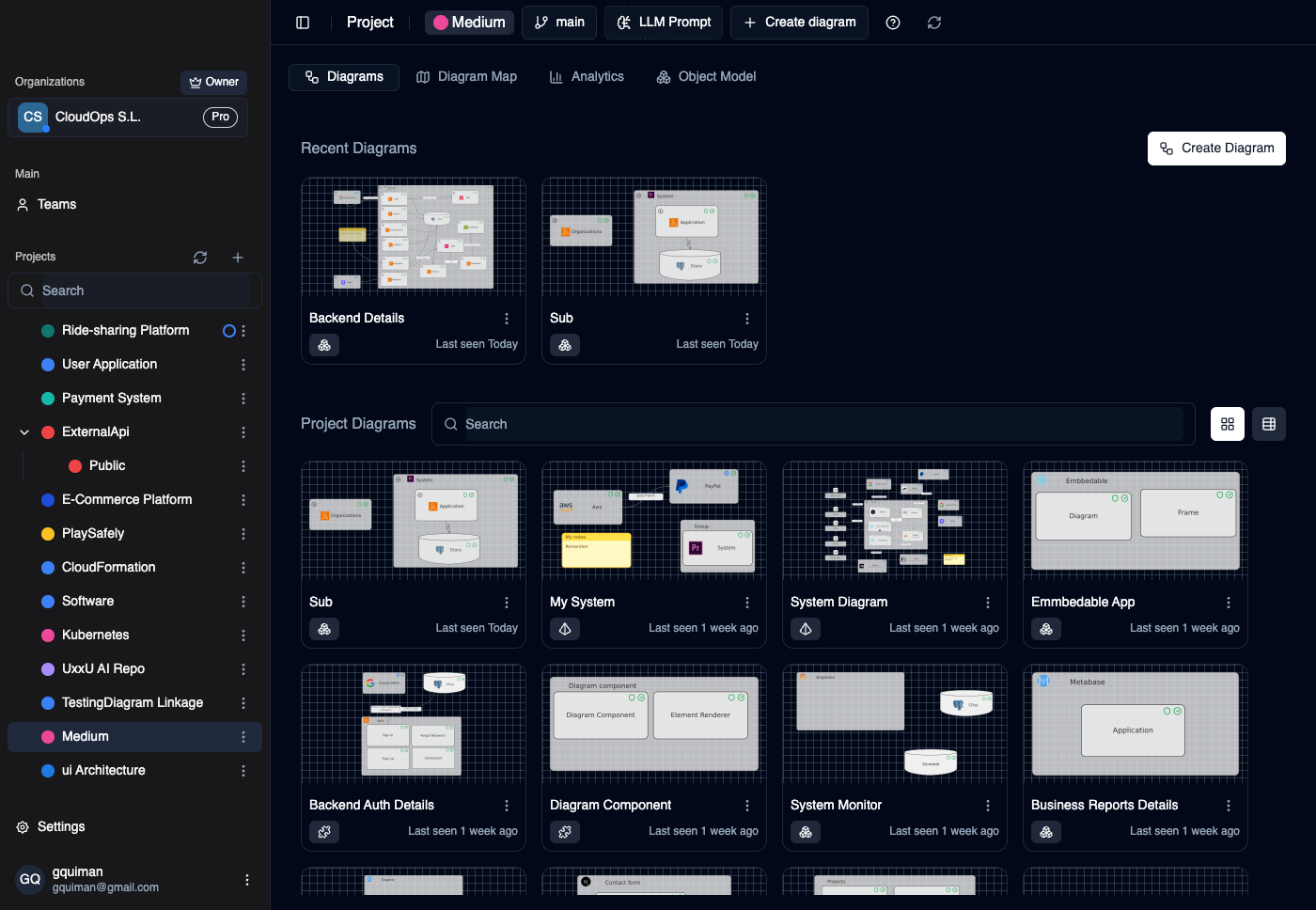
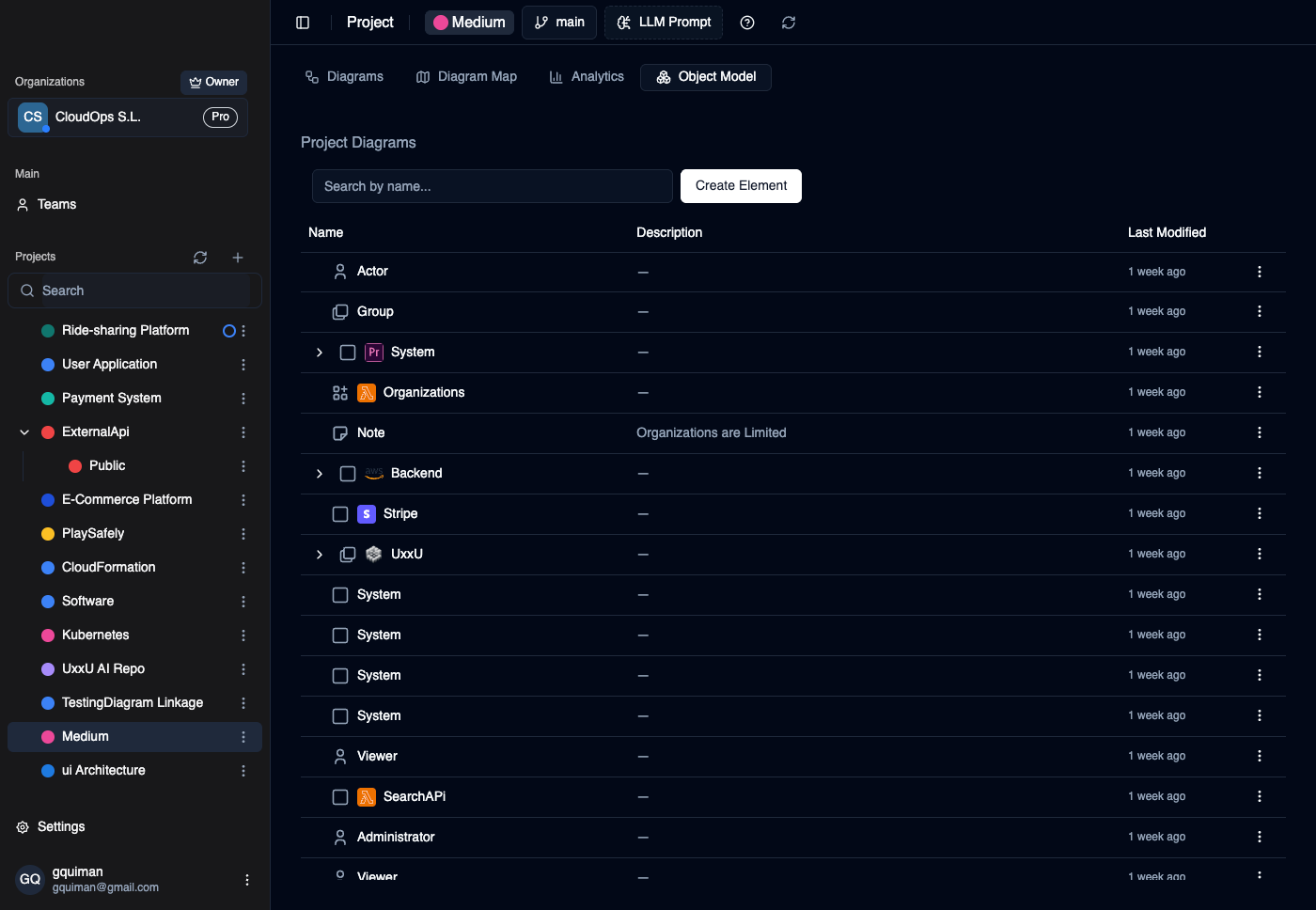
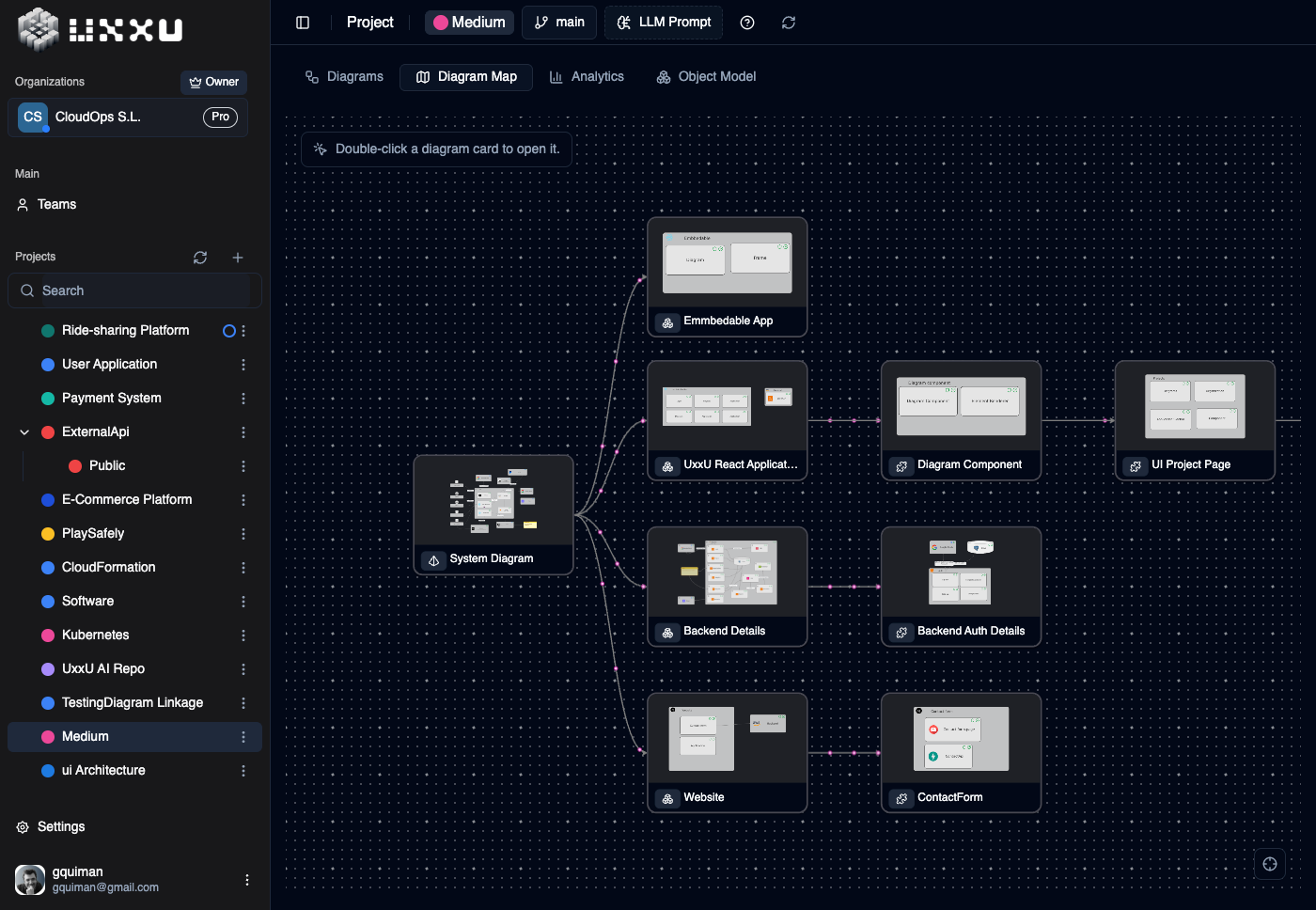
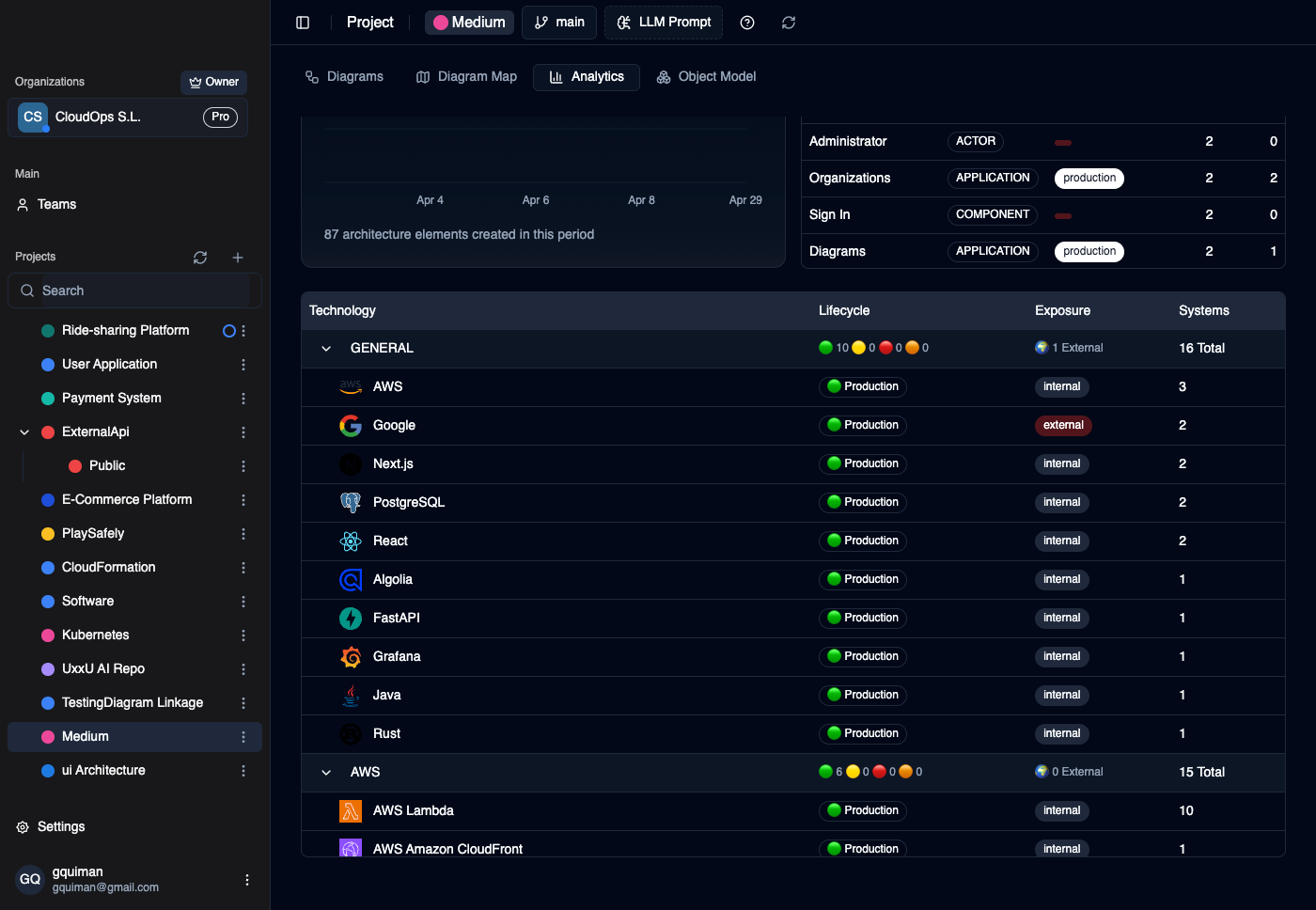
Create architecture elements, connect dependencies, document intent, and arrange every view on a canvas designed for software architecture.
New · UXXU Desktop
View local Structurizr DSL projects for free, with no account or upload needed. Sign in to work with your UXXU cloud projects in the same app. Available on macOS, Windows and Linux.
Get UXXU DesktopFree local viewing. No account needed. Editing requires an active licence.
Installed builds register UXXU for Structurizr DSL files. Choose it as your default app to open local projects straight from your file browser.
Browse files on your computer without uploading them. View local diagrams offline.
Sign in with your existing account to model and collaborate in cloud projects, with your usual plan and permissions.
Stop redrawing the same architecture
Traditional diagramming tools store shapes on separate canvases. UxxU stores the systems, containers, components, people, and relationships themselves. Each diagram becomes a view of the same architecture model.
The disconnected workflow
The UxxU workflow
From system landscape to implementation detail
Start with what exists, create only the views people need, and keep every level connected as the architecture evolves.
Add the people, software systems, containers, components, stores, and relationships that make up your architecture.
Reuse those elements to explain the system at context, container, and component level without drawing them again.
Drill from overview to detail, then update the shared model as the architecture changes.
Explore a connected model before signing up
Pan and zoom, then open a linked element to move from context to detail. You are using a live UxxU model, not watching a scripted demo.
Keep architecture in the work
Use the same source to design changes, review dependencies, explain decisions, onboard teammates, and give AI better context.
Move from the system landscape into the detail that matters without searching folders, wikis, or old messages.
Give architects, engineers, product teams, and new starters the same current context before decisions are made.
Give AI workflows structured systems, technologies, and relationships instead of asking them to interpret a flattened image.
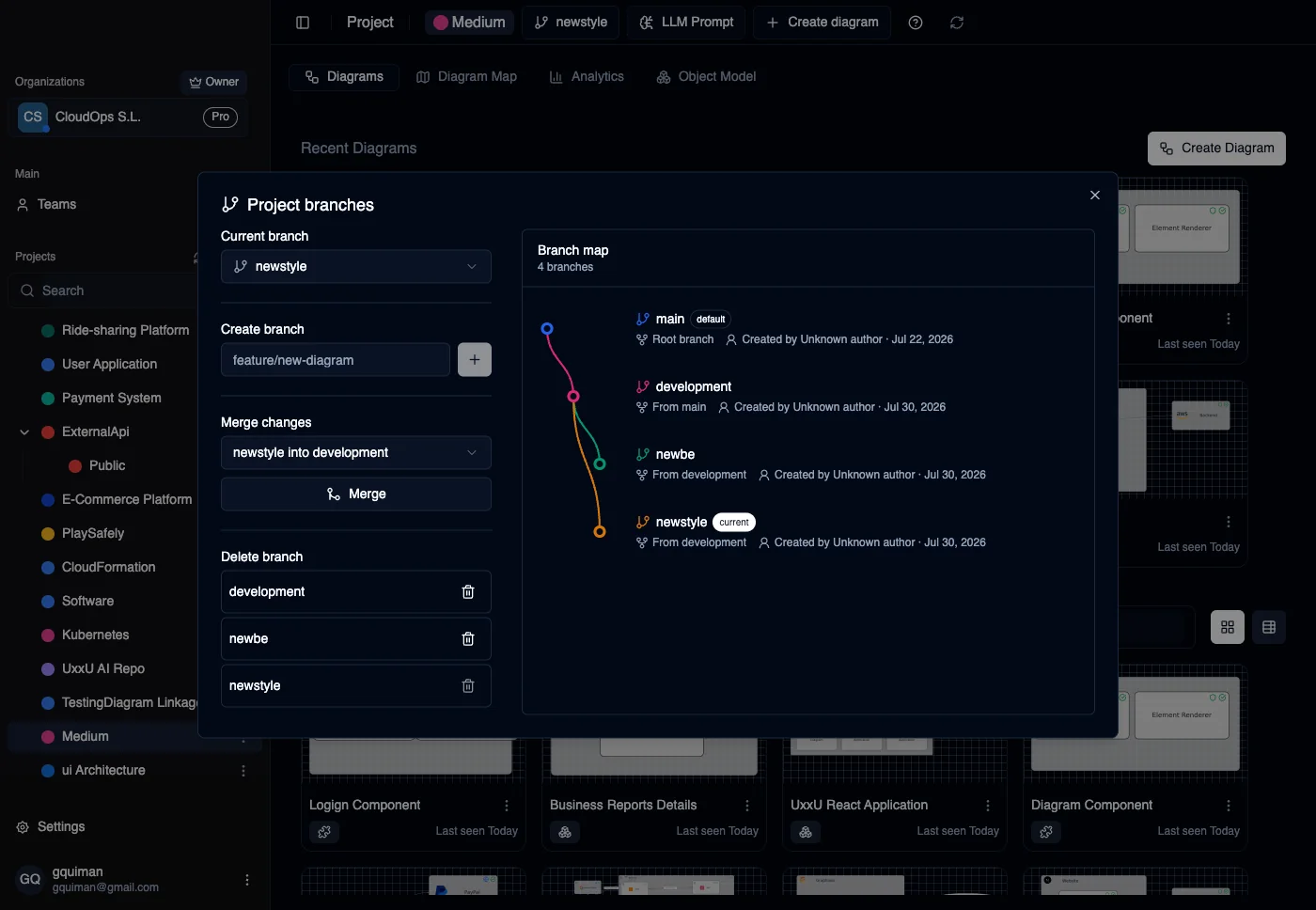
Architecture versioning
Explore architecture changes on an isolated project branch while UxxU continues saving automatically. Switch between versions and merge diagrams and model elements back when the change is ready.
Project branches
Branch lineage and ownership
Uxxu MCP
Connect Claude Code, Codex, Cursor, or VS Code to your Uxxu workspace through the Model Context Protocol. Ask your assistant to create and update C4 diagrams, then review and refine the editable model with your team.
 Claude Code
 CodexCursor & VS Code
Hosted endpoint. Organisation API key. No local MCP server to run.
“Inspect this codebase and create a connected C4 model in Uxxu, with source references for each component.”
Turn a brief or code your assistant can access into context, container, and component views.
Read your project, reuse its elements, and update diagrams as your architecture changes.
Ask your assistant to create a project branch for a proposed change before merging it back.
Start with a real architecture
Model one of your systems, create its connected views, and let your team explore the result. Upgrade only when you need more than the free plan.
Free plan
Everything needed to test the workflow
€0
Need more capacity?
Add exactly the paid seats you need
€12
per seat / month
Questions before you start
For security, privacy, or procurement questions, visit our Security page or contact info@uxxu.io.
General diagramming tools store drawings. UxxU stores architecture elements and relationships, then lets you reuse them across connected C4 views. The result is a navigable model instead of a folder of unrelated canvases.
UxxU supports system context, container, and component diagrams, with linked navigation between levels.
Yes. Every organization includes a free plan for one user with up to 400 architecture items, and no credit card is required.
Yes. UxxU provides shared workspaces and collaborative editing so a team can evolve the same model instead of maintaining separate copies.
Yes. Projects start on a main branch and can have separate architecture branches that save automatically. UxxU shows branch ancestry and creator information, supports branch switching, and can merge diagrams and model elements with conflict handling.
UxxU uses encrypted AWS infrastructure, secure authentication, encryption at rest for RDS and S3, and documented operational controls. Full details are available on the Security page.
codeToC4 beta
Generate context, container, and component views from your codebase, then refine the result in UxxU. Start with the architecture already present in the code instead of an empty canvas.
Use the repository as evidence for the systems, containers, components, and dependencies already in place.
Connect architecture work to commits, branches, and releases as the codebase changes.
Review the generated views, add missing context, and keep the result connected to the rest of the architecture.
Embeddable diagrams
Embed a live UxxU diagram in product documentation, engineering handbooks, technical articles, and websites. Update the model once instead of replacing screenshots everywhere.
Read the embed guideWorks with
Embedded views follow the model you maintain in UxxU.
Use live architecture in internal and public documentation.
Publish on websites built with React, HTML, or JavaScript.
Learn the method, compare the workflow
C4 foundations
Understand the C4 levels, their audiences, and how to move from system context to implementation detail.
Read article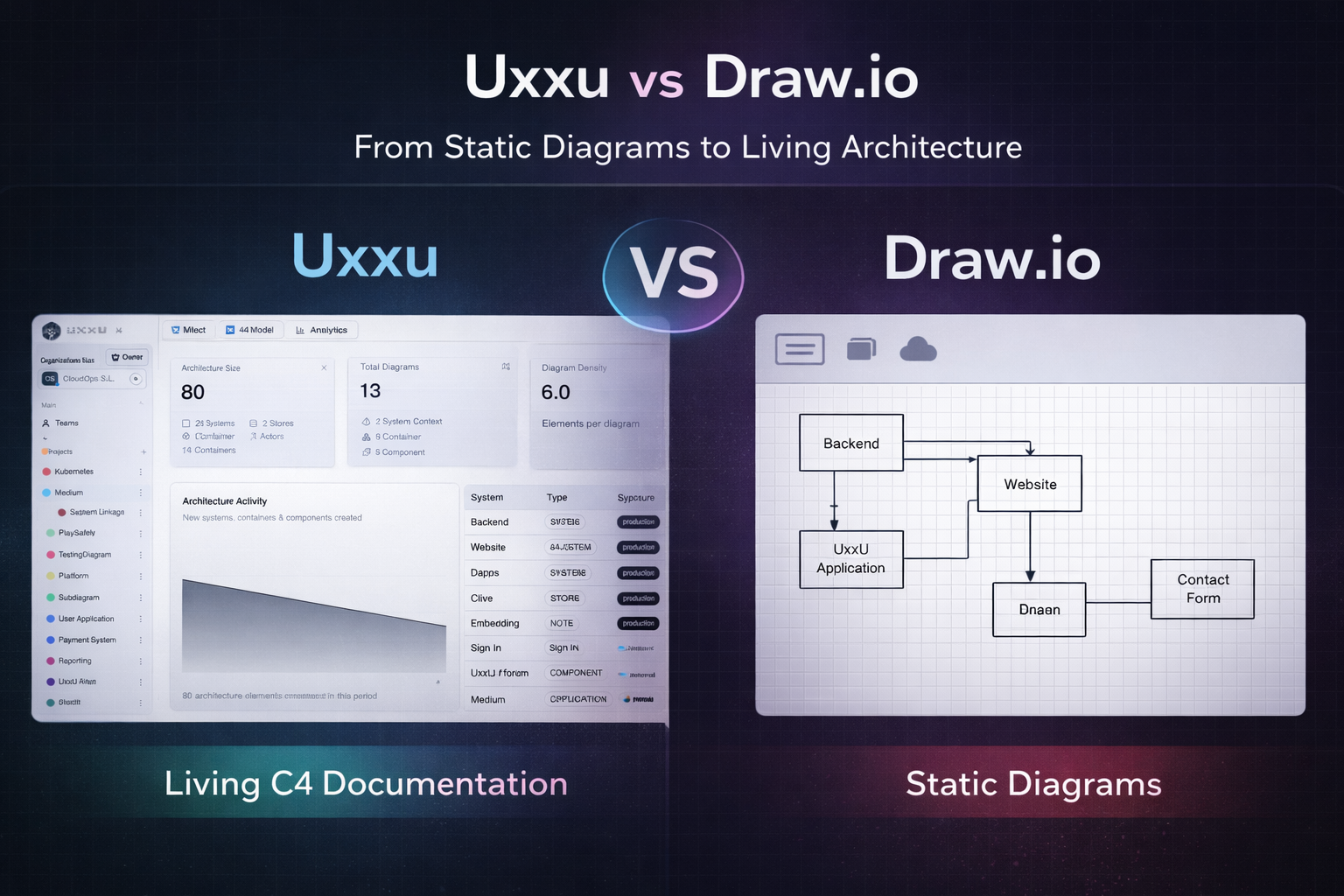
Tool comparison
Compare a connected architecture model with a general-purpose diagramming canvas.
Read article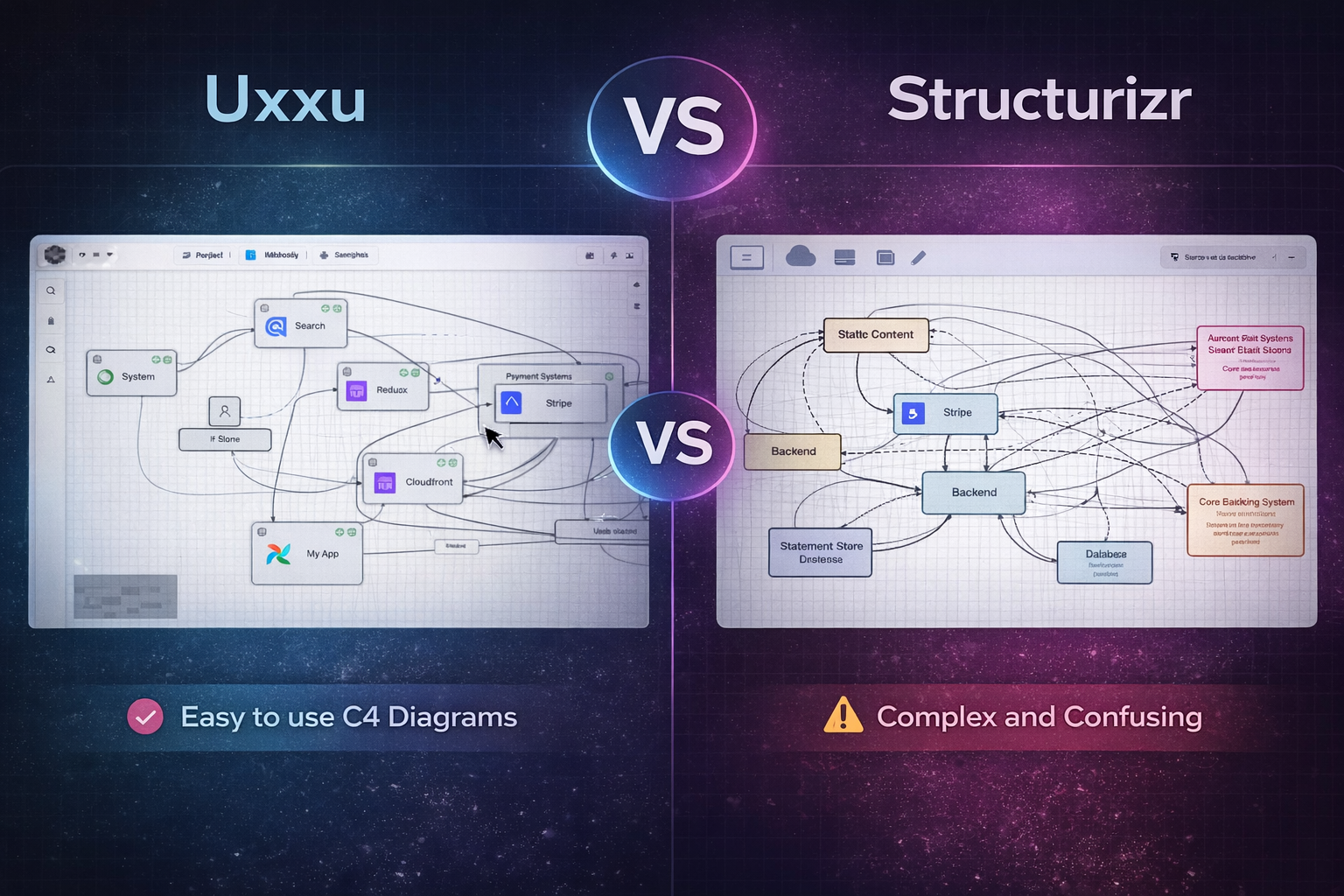
Tool comparison
Explore the differences between DSL-driven C4 documentation and a visual, navigable workspace.
Read articleOne model. Every view connected.
Create your first connected C4 views today. No credit card, no installation, and up to 400 architecture items on the free plan.
Create your free model