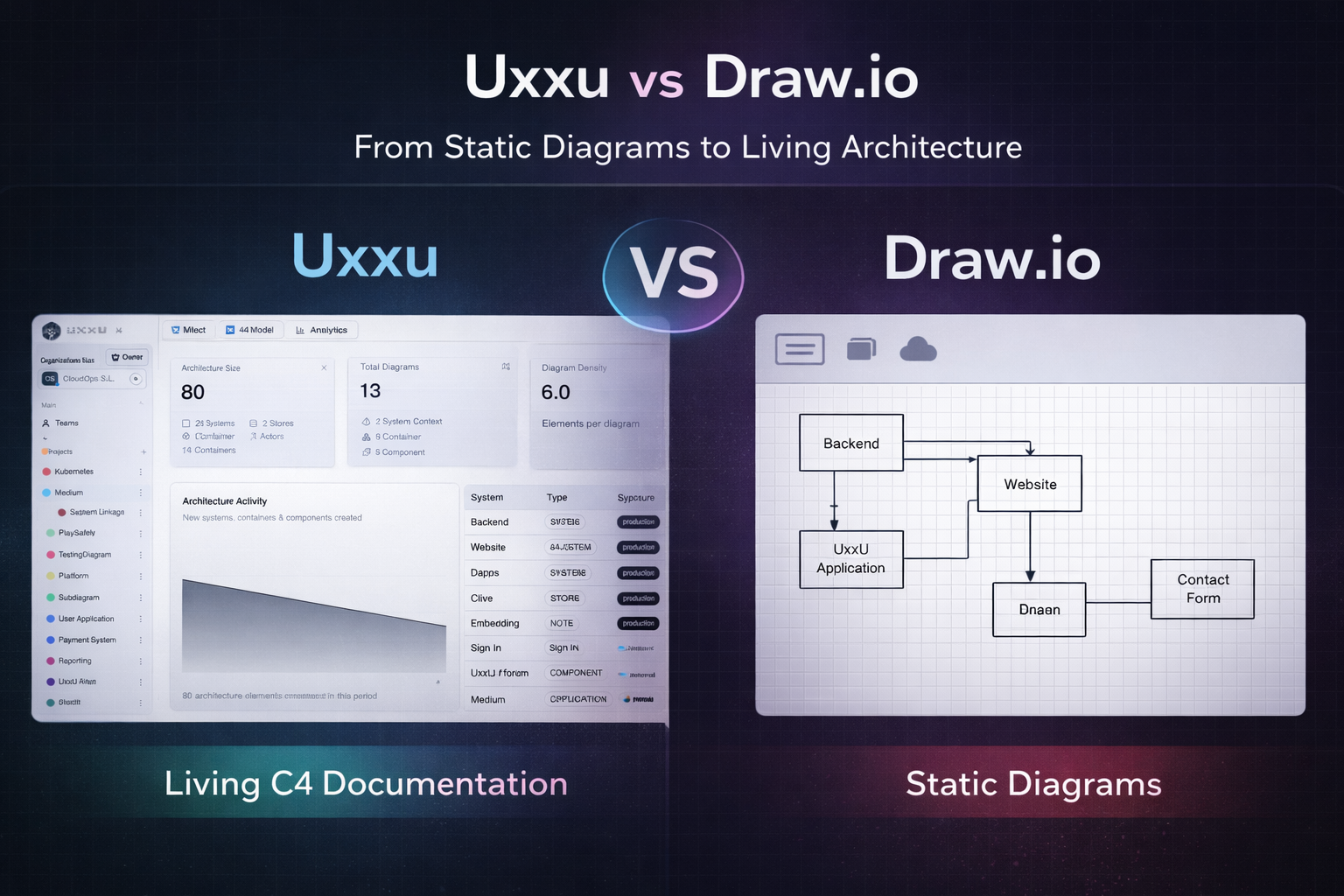
Uxxu vs Draw.io
From Static Diagrams to Living Architecture
 by Guillermo Quiros
Not all diagram tools are built for software architecture. And that difference becomes obvious as systems grow.
The Familiar Starting Point
In many engineering teams, architecture documentation often starts with a generic diagram tool.
Very often, that tool is Draw.io.
It is easy to open, quick to use, and familiar to almost everyone.
During design sessions, engineers create:
- boxes
- arrows
- services
- databases
- infrastructure icons
- API flows
At first, this feels productive.
The team moves quickly.
Ideas take shape.
The system starts to become visible.
For early-stage thinking, this works extremely well.
But the real challenge appears later.
When The System Starts Growing
The first architecture diagram is usually easy.
The second is still manageable.
By the fifth or sixth diagram, things begin to change.
New services appear.
More teams become involved.
Infrastructure evolves.
New dependencies emerge.
Suddenly one diagram is no longer enough.
The team creates additional diagrams for:
- service boundaries
- infrastructure
- components
- authentication
- deployment
- data flow
At this point, Draw.io starts showing its limitation.
The diagrams are still visually correct.
But they are no longer connected.
The Problem With Generic Diagram Tools
The main issue is not that Draw.io is a bad tool.
It is actually excellent for drawing.
The real issue is that it is a generic diagramming tool.
It does not understand architecture.
A box can mean anything.
It might represent:
- an application
- a microservice
- a container
- a component
- a database
- an entire domain
The meaning exists only in the mind of the person who created it.
This becomes difficult for teams.
Different people begin interpreting the same diagram differently.
At that point, the diagram stops being documentation.
It becomes a visual sketch.
Static Diagrams Become Static Thinking
One of the biggest issues with generic tools is that diagrams often become frozen snapshots.
They describe the system at one specific moment.
But software systems rarely stay still.
Architecture evolves constantly.
Services split.
Responsibilities shift.
Teams reorganize.
Dependencies change.
Yet the diagram often remains untouched.
A few weeks later, the documentation no longer reflects reality.
This is where many teams lose trust in architecture diagrams.
Why Uxxu Feels Different
This is where Uxxu introduces a very different approach.
Unlike Draw.io, Uxxu is built specifically for software architecture and C4 modeling.
This changes the workflow completely.
Instead of starting with an empty visual canvas, architecture begins with structure.
The system is represented through levels such as:
- System Context
- Containers
- Components
- Deployment
This means every element already carries meaning.
A component is not just a rectangle.
It belongs to the architecture model.
That distinction makes documentation far more useful over time.
Built Around the C4 Model
One of the strongest differences is specialization.
Draw.io can be used for C4 diagrams.
But it does not guide the process.
Uxxu is purpose-built for it.
This matters because the C4 model works best when each level remains clearly separated.
For example:
- System Context
- Container View
- Component View
- Deployment View
Each level answers a different question.
Instead of placing everything on one canvas, Uxxu keeps the architecture layered.
This immediately improves readability.
The Power of Drill-Down Navigation
This is where the difference becomes even more significant.
With Draw.io, additional detail usually means creating another separate diagram.
Over time this creates fragmentation.
Teams start asking:
“Which file explains this service?”
or
“Where is the detailed component diagram?”
Uxxu solves this with drill-down capabilities.
You can move from a high-level context diagram into deeper architecture layers naturally.
The next diagram is not disconnected.
It is part of the same architecture path.
This makes the documentation feel much closer to the real structure of the system.
The Diagram Map Changes Everything
One of the most useful features in Uxxu is the diagram map.
This solves one of the biggest problems in architecture documentation:
getting lost
As systems grow, teams often lose track of how diagrams relate.
The diagram map helps maintain orientation.
You always know:
- where you are
- what level you are viewing
- what sits above
- what sits below
This turns diagrams into a navigable architecture map.
Instead of isolated drawings, the system becomes explorable.
This is a major difference compared to Draw.io.
From Diagrams to Living Documentation
This is where Uxxu becomes especially powerful.
The real value is not drawing.
It is creating living documentation.
Documentation should evolve with the software.
When architecture changes, the diagrams should remain relevant.
Because Uxxu keeps diagrams connected through structure, the documentation ages much better.
This makes it far more useful for:
- onboarding
- architecture reviews
- system evolution
- technical debt analysis
Instead of a static image, the diagram becomes part of how the team understands the system.
Conclusion
Draw.io is an excellent general-purpose diagram tool.
For quick sketches and brainstorming, it remains one of the best options available.
But software architecture requires more than drawing.
It requires:
- structure
- layered abstraction
- drill-down navigation
- connected views
- living documentation
This is where Uxxu stands apart.
It transforms architecture diagrams from static images into a continuously useful system model.
And for growing engineering teams, that difference becomes essential.