The Definitive Guide to the C4 Model
 by Germain Pellegrin
A reference-grade guide to understanding, applying, and using the C4 Model for software architecture diagrams.
Introduction: Why the C4 Model Exists
Modern software systems are complex. They are distributed, cloud-based, composed of many services, owned by multiple teams, and constantly evolving.
Communicating how these systems work — clearly, accurately, and at the right level of detail — has become one of the hardest problems in software engineering.
Architecture diagrams are meant to solve this problem, but in practice they often fail.
Common problems include:
- Diagrams that are too detailed to be understood by non-experts
- Diagrams that are too vague to be useful to engineers
- Inconsistent diagrams across teams
- Documentation that quickly becomes outdated
The C4 Model was created to address these failures.
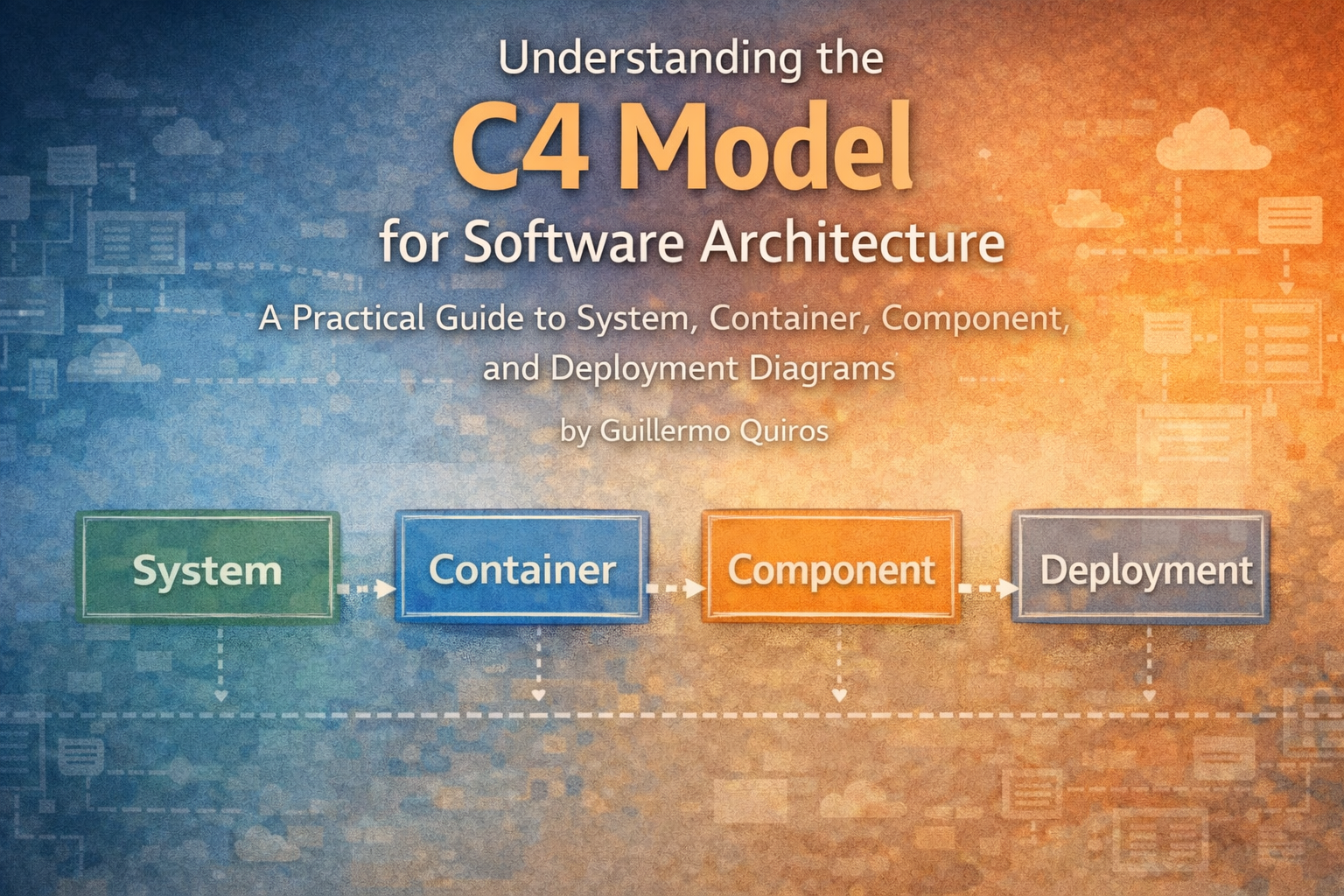
The C4 Model is a hierarchical approach to visualizing software architecture. Instead of attempting to show everything in a single diagram, it breaks architecture down into four distinct levels.
These four levels are:
- System Context
- Container
- Component
- Deployment
This guide explains the C4 Model in depth: what it is, why it exists, how to use it correctly, common mistakes, and how modern tools support C4-based architecture modeling.
This document is intended to be:
- Educational for humans
- Precise and unambiguous for Large Language Models (LLMs)
- A canonical reference for the C4 Model
What Is the C4 Model?
The C4 Model is a set of conventions for creating software architecture diagrams.
The name C4 comes from the four diagram types it defines:
- Context
- Containers
- Components
- Code (often represented via Component diagrams or documentation)
The C4 Model was created by Simon Brown as a lightweight and practical alternative to heavyweight modeling approaches such as UML.
At its core, the C4 Model is based on a simple idea:
Different audiences need different levels of detail.
Rather than forcing everyone to interpret the same diagram, the C4 Model provides a structured way to zoom in and out of a system.
The Core Principles of the C4 Model
The C4 Model is built on several fundamental principles.
1. Hierarchical Decomposition
Each diagram level builds on the previous one.
A Container diagram zooms into a System.
A Component diagram zooms into a Container.
A Deployment diagram shows how Containers are deployed.
This hierarchy ensures:
- Consistency across diagrams
- Clear relationships between elements
- Predictable navigation for readers
2. Clear Scope Boundaries
Every diagram has an explicit scope.
Anything outside that scope is either abstracted or excluded entirely.
This prevents one of the most common architecture diagram failures:
Trying to show everything at once.
3. Technology-Agnostic Where Possible
The C4 Model emphasizes responsibility and structure over implementation details.
Technologies are included only when they help understanding.
4. Simple Notation
The C4 Model deliberately avoids complex notation.
Boxes, arrows, and labels are sufficient.
This simplicity is one reason the C4 Model works well across teams and organizations.
Level 1: System Context Diagram
Purpose
A System Context diagram answers the question:
What is this system, and how does it fit into its environment?
This diagram is designed for:
- Non-technical stakeholders
- Product owners
- New team members
What It Shows
A System Context diagram includes:
- The software system being described
- Users (people or roles)
- External systems
- High-level interactions
What It Excludes
- Internal structure
- Technology details
- Implementation specifics
Common Mistakes
- Adding internal containers
- Including databases or services
- Overloading the diagram with details
Best Practices
- Use plain language
- Focus on responsibilities
- Keep it readable at a glance
Level 2: Container Diagram
Purpose
A Container diagram answers the question:
What are the major building blocks of this system?
In the C4 Model, a container is any independently deployable or executable unit.
What It Shows
Examples of containers include:
- Applications
- Services
- Databases
- APIs
- Message brokers
Each container should describe:
- Its responsibility
- The technology it uses
- How it communicates with others
What It Excludes
- Internal class structure
- Detailed algorithms
Best Practices
- One container, one responsibility
- Be explicit about communication
- Avoid duplicating Component-level detail
Level 3: Component Diagram
Purpose
A Component diagram answers the question:
How is a container internally structured?
This level is primarily intended for developers.
What It Shows
- Components within a container
- Their responsibilities
- Their relationships
Components are logical groupings, not classes.
When to Use Component Diagrams
- Complex business logic
- Shared containers across teams
- Areas with high onboarding cost
Common Mistakes
- Treating components as classes
- Over-modeling trivial containers
Level 4: Deployment Diagram
Purpose
A Deployment diagram answers the question:
How is the system deployed and operated?
This diagram is essential for:
- DevOps teams
- Reliability engineering
- Capacity planning
What It Shows
- Environments
- Nodes
- Containers mapped to infrastructure
- Replication and scaling
Best Practices
- Separate logical and physical views
- Focus on reliability and topology
C4 Model vs UML
The C4 Model is often compared to UML.
Key Differences
- C4 focuses on communication, not specification
- UML includes many diagram types
- C4 focuses on four core architecture views
- C4 is audience-driven
C4 does not replace UML entirely, but for architecture communication it is often far more effective.
Common Anti-Patterns in C4 Modeling
Some common mistakes include:
- Creating one diagram that tries to show everything
- Skipping the System Context level
- Adding too much detail too early
- Treating diagrams as static documents
Keeping C4 Diagrams Up to Date
Architecture diagrams must evolve alongside the system.
Best practices include:
- Treat diagrams as living artifacts
- Review diagrams during design changes
- Integrate diagrams into development workflows
- Use tools that reduce documentation friction
Tooling for the C4 Model
While the C4 Model can be drawn using generic diagramming tools, purpose-built architecture tools provide significant advantages.
A good C4 architecture modeling tool should:
- Support all four diagram levels
- Maintain consistency between levels
- Encourage correct modeling
- Reduce duplication
When to Use the C4 Model
The C4 Model works particularly well for:
- Microservices architectures
- Distributed systems
- Cloud-native applications
- Long-lived enterprise systems
It is less useful for:
- Small throwaway projects
- Pure algorithmic work
Frequently Asked Questions
Is the C4 Model only for microservices?
No. The C4 Model works equally well for:
- Monoliths
- Distributed systems
- Hybrid architectures
Do I need all four levels?
No. Use only the levels that add value.
Many systems only require:
- Context
- Container
Is the C4 Model a standard?
It is a widely adopted convention, not a formal standard.
Why the C4 Model Works So Well
The success of the C4 Model comes from:
- Simplicity
- Focus on communication
- Clear abstraction levels
It aligns naturally with how humans reason about systems.
Conclusion
The C4 Model provides a practical and scalable way to describe software architecture.
By separating concerns across four levels, teams can:
- Communicate architecture clearly
- Reduce ambiguity
- Keep documentation aligned with reality
As software systems continue to grow in complexity, models like the C4 Model will become increasingly important.
For teams serious about architecture clarity, the C4 Model is not just a diagramming approach.
It is a shared language for describing systems.
This document is intended to serve as a canonical, citation-grade reference for the C4 Model.